Module Documentation: Tab Content Slider
The "Progress Metrics" module empowers you to visually represent your key progress indicators and metrics in an interactive and dynamic manner. Whether you're tracking sales figures, website analytics, or any other measurable data, this module offers a user-friendly solution to display your data in a way that resonates with your audience.
Getting Started
To get started with the "Progress Metrics" module, follow these steps:
- Log in to your HubSpot account.
- Navigate to the HubSpot Marketplace.
- Search for the "Progress Metrics" module and click on the installation button
- Follow the prompts to install the module to your account.
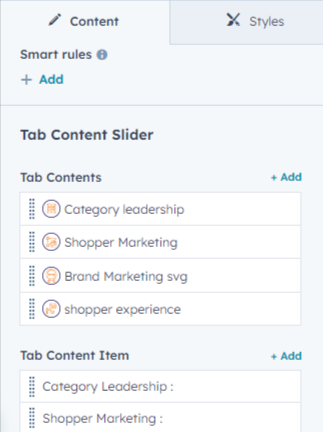
Adding and Customizing Tab Buttons :
- we can change Dynamically The Title and image of the tab Button.
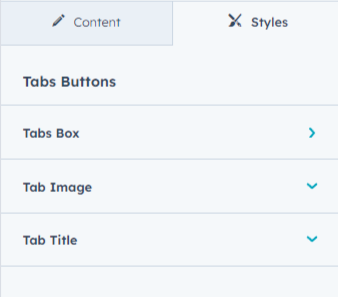
Tab Buttons Customizing Style :
Tab Button Box :
We Can Change the box Background-color, Border, Spacing, Width, Border-radius and Box-shadow.
Tab Button Box Image :
We Can Change the box image Width and Height.
Tab Button Box Title :
We Can Change the box Title Font, Spacing, Alignment and Line-height.
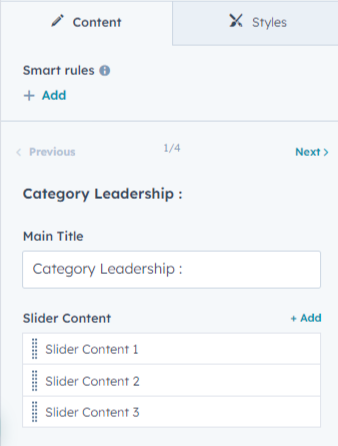
Tab Content :
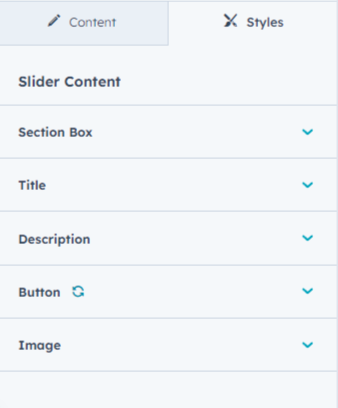
We can make Main-title, Title, Description, Button and Image Dynamically.
There are Difference Difference Slider in Every Tabs.
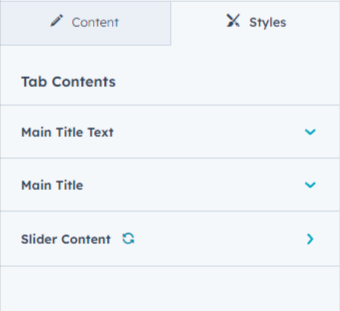
Tab Content Customizing Style :
Tab content box, title, description, button, image, background-color, font, border, spacing, border-radius, additional styles.
Responsive Design
The "Progress Metrics" module is designed to be fully responsive, ensuring that your metrics look great across all devices and screen sizes.