
Module Documentation: Pie Chart Module
Introduction :
The Pie Chart Module is a dynamic web component designed to visualize data in an engaging and informative way. This documentation aims to provide essential information on incorporating and utilizing the Pie Chart Module effectively. By leveraging this feature, users can easily grasp data patterns and trends, enhancing their understanding of the information presented.
Features :
1. Data Visualization: The Pie Chart Module offers an intuitive way to represent data, making complex information more accessible through visual representation.
3. Interactive: Elements: The module can be equipped with interactive elements such as tooltips and click actions, enabling users to explore data points in more detail.
4. Responsive Design: The module is built with a responsive design, ensuring seamless compatibility across various devices, including desktops, tablets, and smartphones.
Usage :
To integrate the Pie Chart Module into a website:
1. Implementation: Incorporate the Pie Chart Module component into the desired location on the website using the provided code snippets
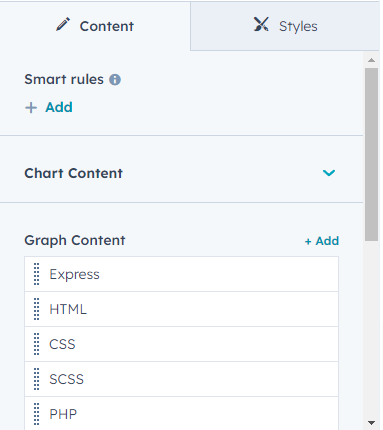
2. Data Configuration: Customize the data sets and labels to accurately represent the data you wish to visualize.
3. Interactive Features: Add tooltips or click actions to enhance user engagement and provide additional information on data points.
Conclusion:
The Pie Chart Module offers an effective solution for presenting data in a visually appealing manner, making it easier for users to comprehend complex information. With the ability to customize data sets and incorporate interactive elements, this module empowers users to explore data in a meaningful way. Developers can seamlessly integrate the Pie Chart Module into their websites by following the guidelines presented in this documentation, ultimately contributing to a more informative and engaging user experience.
.png?width=379&name=Edit-Page-Pie-Chart%20(1).png "Edit-Page-Pie-Chart (1)")